

Key takeaways
- Nine answer types, from short text and numbers to choices, dates, links and emails.
- Every question shows members why it's asked. Required questions can't be skipped.
- A question can apply to the whole community or to one group only.
- Answers never go to the AI, never appear in logs and are deleted with the member.
Setting up member profile questions
- 1Open Settings and, under Profile questions, tap Add questions.
- 2Write the question, up to 120 characters, and pick an answer type.
- 3Choose who is asked: everyone, or only members of one group.
- 4Write why you ask. Members see this sentence under the question.
- 5Mark it required or optional and choose who can see the answer.
- 6Check the preview of the WhatsApp message and the form field, then save.
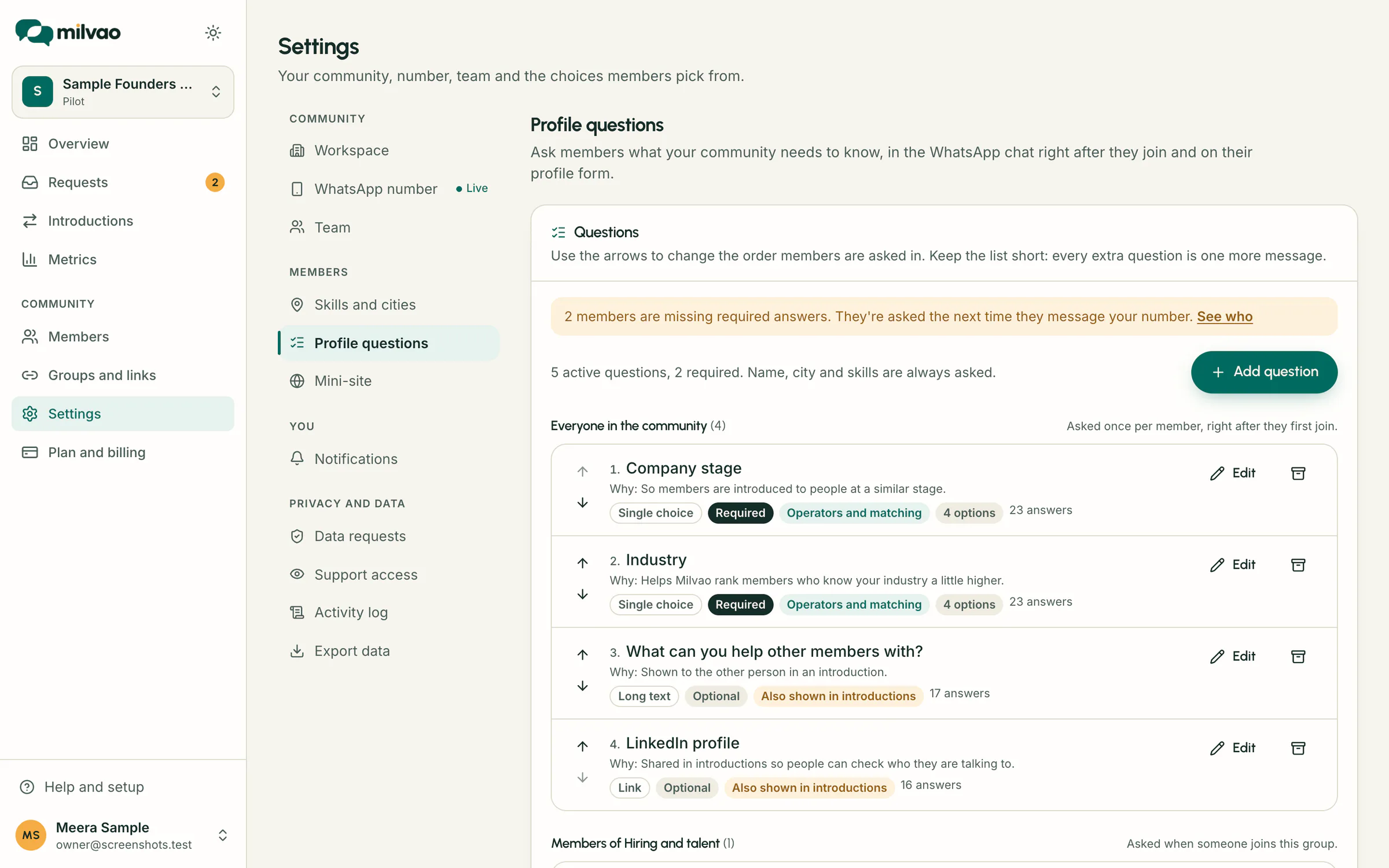
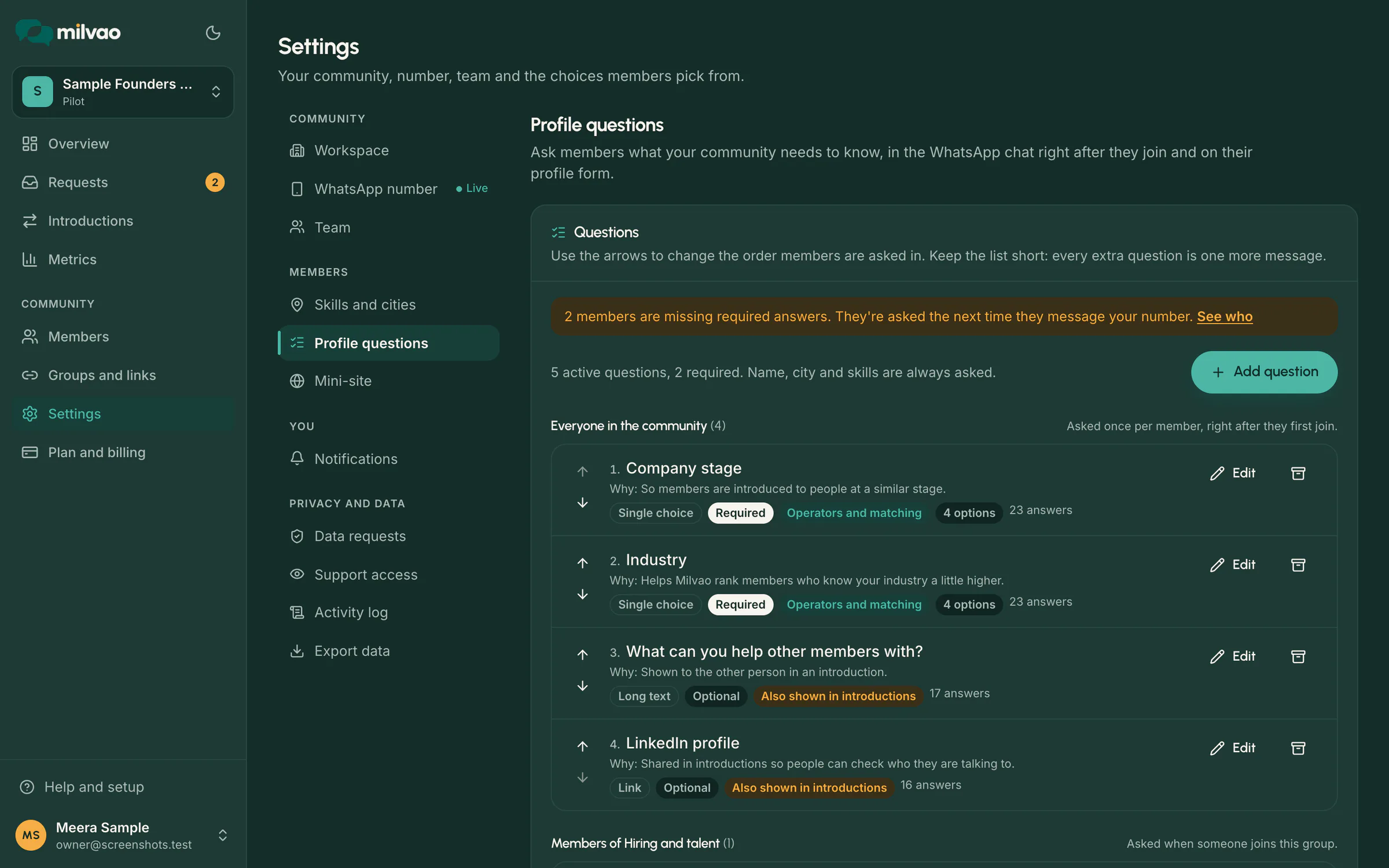
Up to 40 questions can be active at once, but every extra question is one more message for a new member, so short lists work best.
Answer types in the chat and on the form
| Type | In WhatsApp | On the form |
|---|---|---|
| Short or long text | Typed, up to 120 or 1,000 characters | Text box |
| Number | Typed, for example 1,500 | Number box |
| Single choice | Buttons for up to 3 options, a list for up to 10, a numbered list above that | Options, a dropdown above 6 |
| Multiple choice | Tap options one by one, then Done, or type the numbers | Tick boxes |
| Yes or no | Two buttons | Yes and No |
| Date, link or email | Typed and checked, then asked again if it doesn't fit | Date picker or text box |
Ready-made starter sets
| Set | Questions it adds |
|---|---|
| Business network | Company or business name, industry, years in business, company website |
| Founders | Startup name, stage, sector, are you hiring |
| Alumni | Batch year, programme or course, current organisation, happy to mentor students |
| Accelerator | Cohort, startup name, where do you need help, pitch deck or website |
Questions worded the same as one you already have are skipped, and anything added can be edited or archived.
Who sees each answer
| Setting | Who sees it |
|---|---|
| Operators only | Your team, on the member page and in directory filters |
| Operators and matching | Your team, and it can help rank members for a request. Never shown to other members |
| Also shown in introductions | Also the person this member is introduced to, after both say yes |
Guard rails on what you can ask
- Questions touching health, religion, caste, sexual orientation, political views or personal finances show a warning, and only the owner can add them, with a tick confirming the community needs the answer.
- Questions asking for Aadhaar, PAN, passport, voter ID or driving licence numbers can't be added at all.
- Answers are never sent to the AI that reads requests and never written to logs or the audit trail.
- Answers are deleted together with the member's data.
- Once anyone has answered, a question's answer type is fixed. Archive it and add a new one instead.
Members who joined before a question existed
A new required question is asked the next time an existing member messages your number, at most once a day. If that message was a request, Milvao keeps it, asks the question, then carries on with the request. Members whose profile was already active stay active in the meantime, and the directory filter Missing required answers shows who still has to answer. Members can review all their answers at any time by sending ANSWERS.
Sources
- Milvao Help Center: Profile questions (checked 5 November 2026)
- Milvao Help Center: Your profile (checked 5 November 2026)
Facts about WhatsApp and other services come from the pages listed, on the dates shown, and can change.