

See every request and step in only when it needs you
Every private request, brief, offer and contact delivery in one place. Matching runs on its own, and you step in only when a request is handed to you.
Click through a sample dashboard
Four sample requests: one waiting for a reply, one that moved on after a decline, one introduced, and one handed to you because no member fits.
Office space to rent, ~1,500 sq ft
- HSAskedHarpreet SandhuLeasingServes MohaliReplies fast
- NBNext 1Nikhil BansalServes TricityOften accepts
- SKNext 2Simran KaurMohaliRelated service
- 10:42 · Request received
- 10:43 · Brief confirmed by Aman
- 10:43 · Aman allowed sharing his number for this request
- 10:43 · Milvao asked Harpreet Sandhu, the best match
- Now · Waiting for Harpreet, 47 hours left
What your team sees, screen by screen
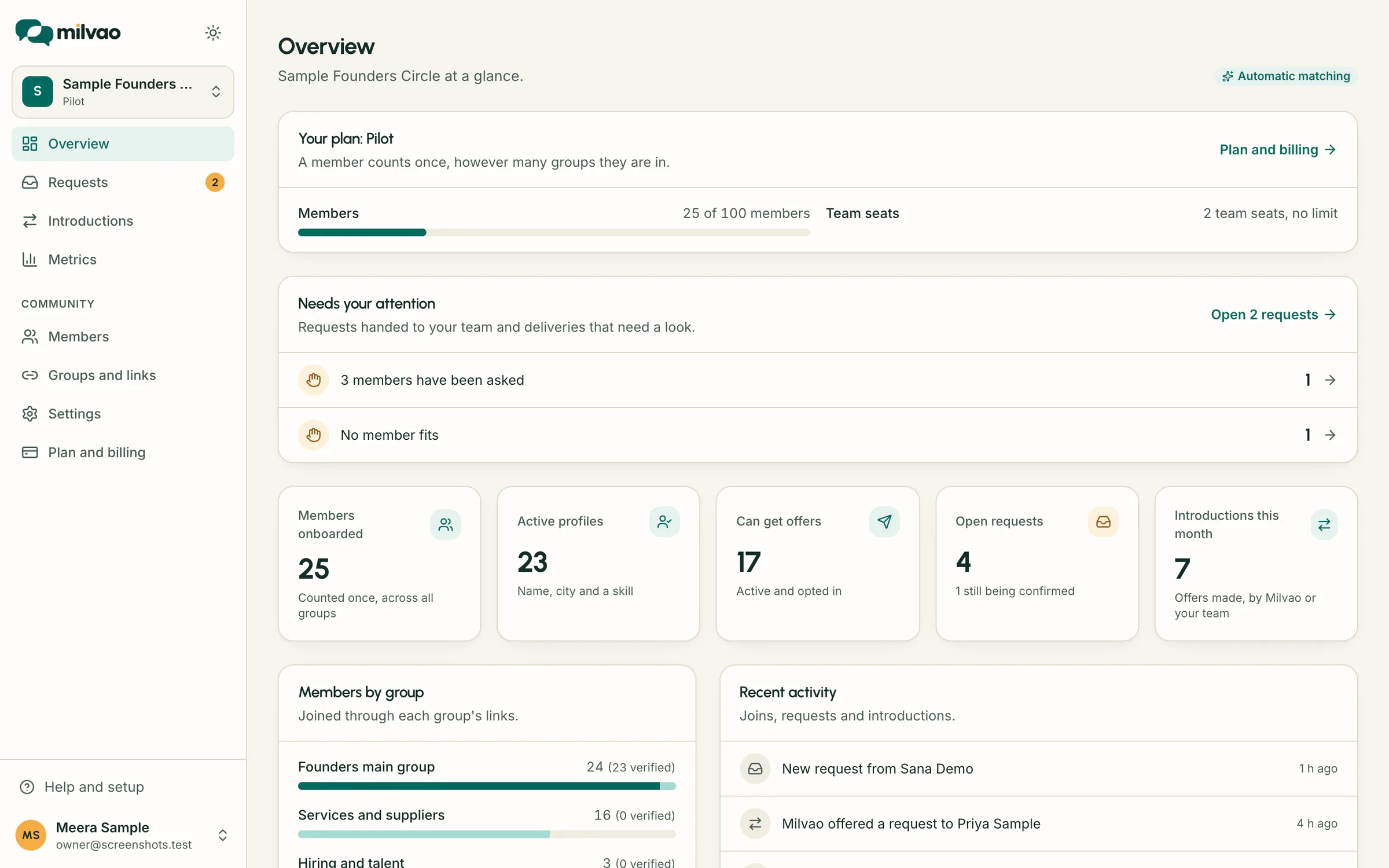
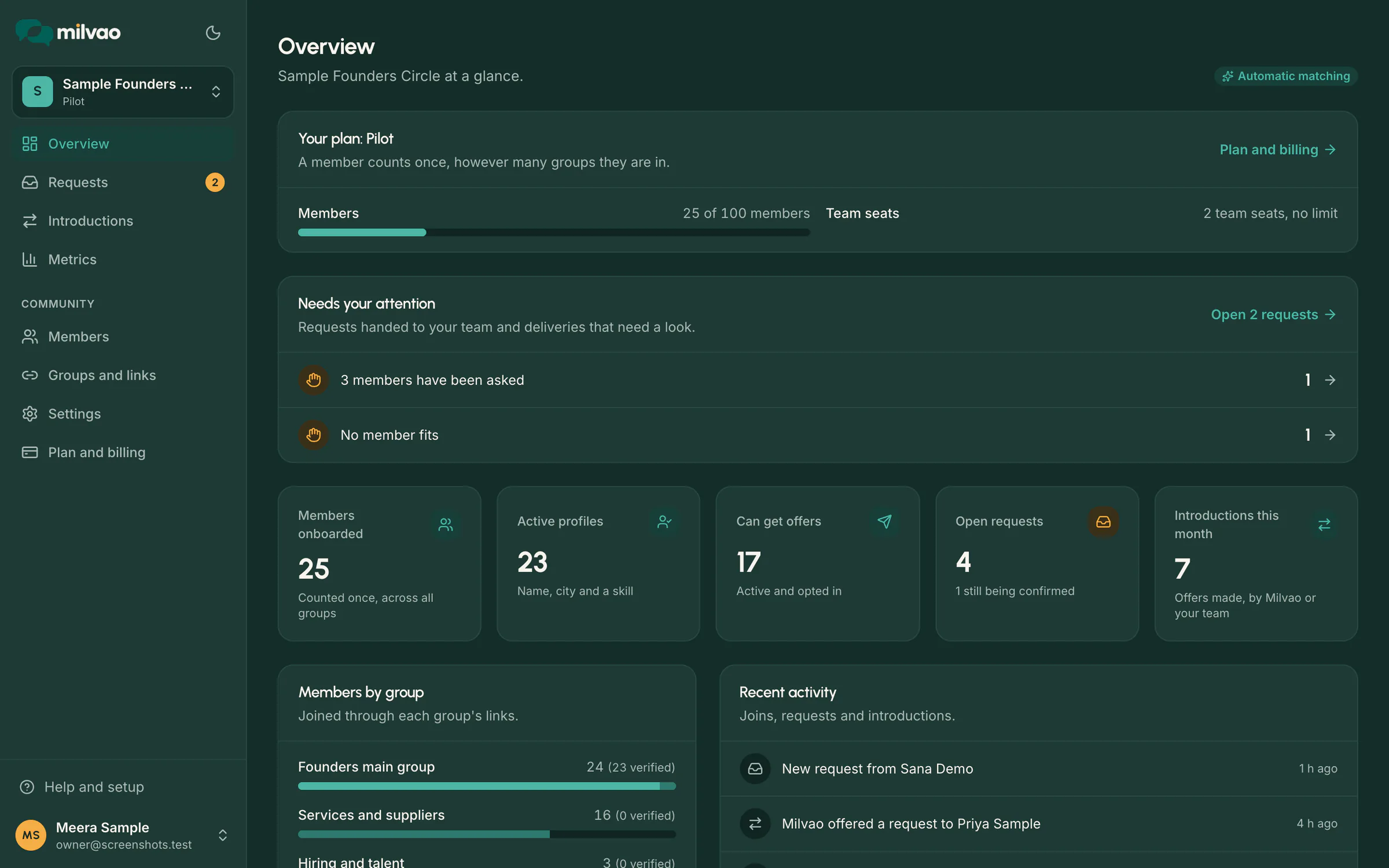
Screenshots of the dashboard itself, filled with a sample community. Every name and number in them is invented.
What needs your team first, then members, open requests and introductions this month, with recent activity below.
Everything about a request on one screen
Requests
Every request with the member's original message, the brief they confirmed and its status: being matched, offer sent, introduced, needs you or closed with a reason.
Match reasons
For every member asked, the reasons they ranked where they did: the skill, the city, how they tend to respond. In both matching modes.
Timeline
Each step of a request in order: brief confirmed, member asked, declined or accepted, next match asked, contacts delivered.
Delivery tracking
Each contact delivery is tracked separately. A failed send is shown apart from a member who said no, and can be retried without resending the side that worked.
Groups and join links
One link per WhatsApp group, with how many members joined from each. Links can expire or be revoked at any time.
Member directory
Filter by group, city, skill, profile status and whether a member can be asked. Phone numbers stay masked by default.
Who can be asked, and in what order
No black box. Milvao applies simple filters first, then ranks the members who are left, and shows its reasons on every request.
First, only members who
- have an active profile
- have turned on introduction offers
- are not paused
- offer the requested category
- serve the city the request needs
- aren't the person asking
- haven't already been asked about this request
Then ranked by
- 1service fit (25%): offers the skill asked for, and members who list fewer services rank a little higher
- 2city fit (25%): based in the city ranks above serving it
- 3how often they accept offers (12%)
- 4how quickly they reply (8%)
- 5introductions completed, where both contacts went through (8%)
- 6"Did you connect?" answers from the people they were introduced to (7%)
- 7a small bonus when a profile answer marked for matching appears in the brief
Fairness is the other 15%: members asked less in the last 7 days come first, so the same few members are not asked every time. New members aren't held back for having no history yet.
Handed to your team when
- the brief is unclear
- no member fits
- three members have been asked without a yes
These wait under Needs your attention. You can also step in on any request: pick a different member, pause it or close it.
Prefer to pick every match yourself?
Switch your community to Approve each match. Milvao still ranks the members and shows its reasons, but nobody is asked until an operator picks one.
- Only the owner can change the matching mode.
- Consent rules, reply windows and limits stay exactly the same.
- You can switch back to automatic at any time.
Owners and operators
The owner invites operators by email. Starter includes two seats, owner included.
| Can do | Owner | Operator |
|---|---|---|
| Groups, join links and members | ||
| Requests and introductions | ||
| Community settings and matching mode | – | |
| Invite and remove team members | – |
Sign-in is by invitation only, with optional two-factor sign-in. How to turn it on.
What you review at day 30
The dashboard counts what matters for a community, in plain terms.
- Members onboarded
- by the group they joined from
- Confirmed requests
- and how many found no match
- Offers sent and accepted
- kept apart from contacts actually delivered
- Introduction rate
- requests with an accepted offer, out of confirmed requests
- Time to a yes
- median time from a confirmed brief to an acceptance
Dashboard questions
Run your community's requests from one screen
We set up the dashboard, your number and your first join links with you in the pilot.