

From a join link to a real introduction, in five steps
Pin a join link, members fill a one-minute profile, and each request goes to one well-matched member at a time. Nothing is posted in your groups.
- A member, Aman, privately messages the community's business number asking for 1,500 sq ft of office space to rent in Mohali.
- An automated reply shows the request as a short brief with Confirm, Edit and Cancel. Aman confirms.
- It asks whether his number can be shared if someone accepts. Aman taps Share my number.
- It replies that Milvao is asking the best-matched member now. In the background, Milvao ranks members and asks Harpreet privately.
- Later, Aman gets Harpreet Sandhu's contact (commercial leasing), and Harpreet gets Aman's. Nothing is posted in the group.

Sample conversation. Names, community and numbers are made up.
What happens at each step
Scroll through the flow. The mockups use sample names and numbers.
- 1
Share a join link in each group
Create a link for every WhatsApp group you run and pin it there. Members tap it and message your community's business number. Milvao never joins or reads the group.
- 2
Members fill a one-minute profile
Milvao sends each member a private link to add their name, city, skills and the cities they serve. Introduction requests stay off until they choose to receive them.
- 3
A member asks, privately
They write what they need, in their own words. Milvao turns it into a short brief, asks one question if something is unclear, and the member confirms it.
- 4
Milvao finds the best match
Milvao ranks the members who offer that skill in that city by fit, how often they accept, how quickly they reply and past introductions, then asks the best one, without the asker's details. Want to pick every match yourself? Switch on Approve each match in Settings.
- 5
Both say yes, contacts are shared
If the member accepts within 48 hours, both people get each other's contact privately. If they decline or don't reply, Milvao asks the next best match, up to three members in all.
What the member sees, and what you see
Members only ever use WhatsApp. Your team uses the dashboard, and by default only needs to look when a request is handed over.
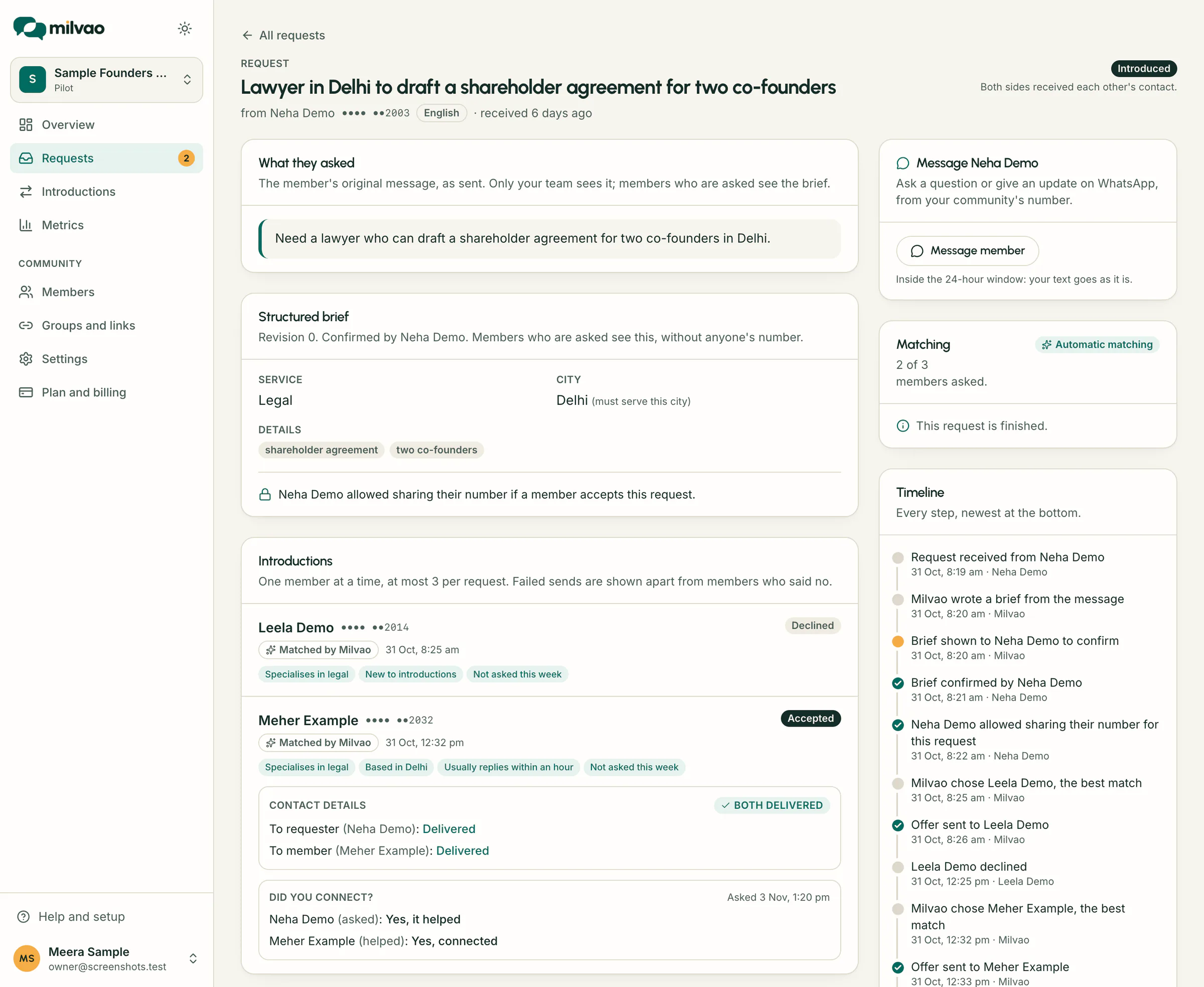
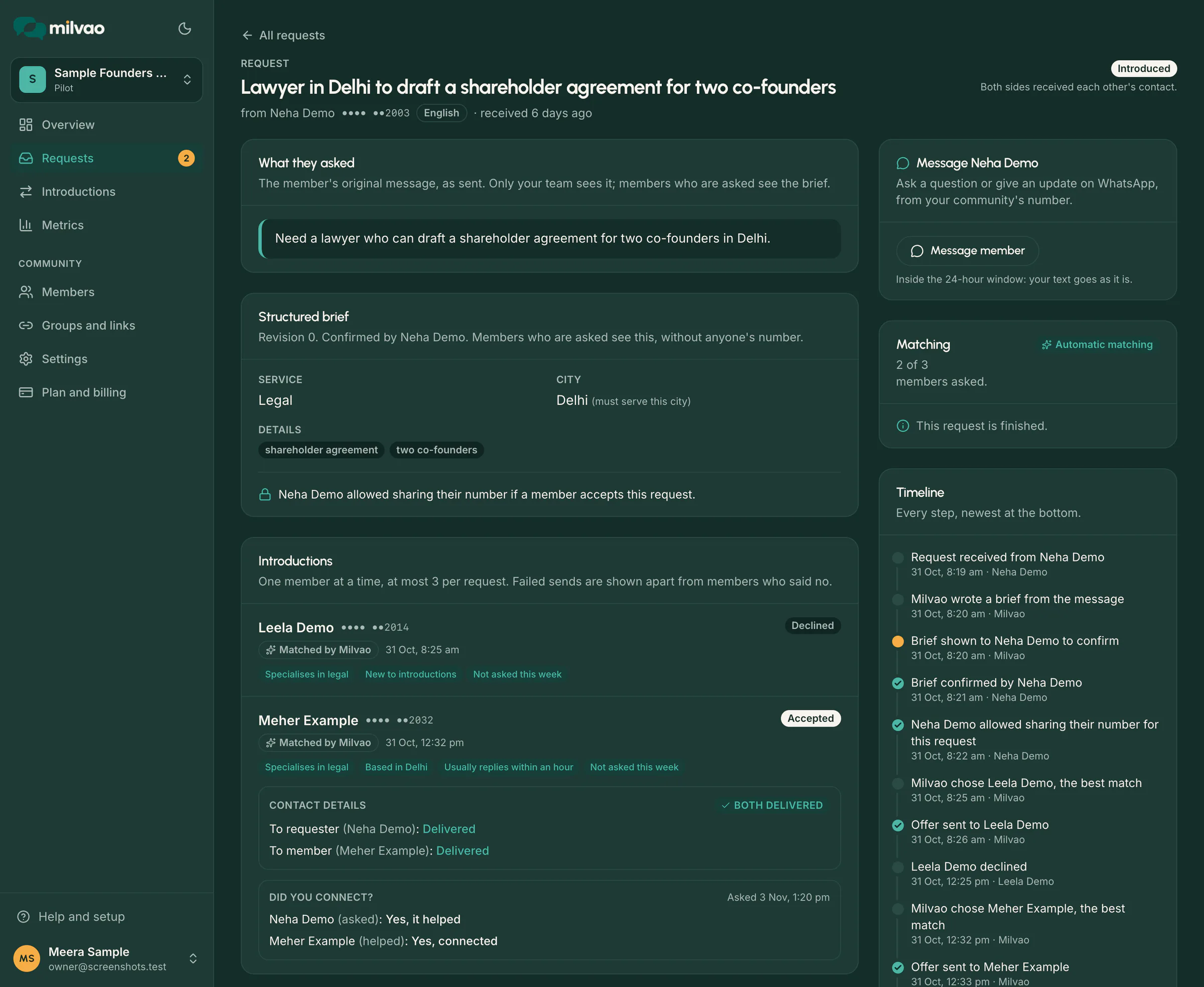
What one request looks like on your side
The brief the member confirmed, each member Milvao asked and why they ranked where they did, and every step on the timeline. Here, the first member declined and the second said yes.
A decline moves the request on, not back to square one
Most requests need more than one try. Milvao keeps going on its own, within limits that protect your members' time.
48 hours to reply
The clock starts when WhatsApp accepts the offer. The member can accept, decline, or let it lapse.
A no is cheap
Declining is one tap. Nobody else learns who was asked, so saying no costs the member nothing socially.
Next best match
After a decline, no reply or a failed send, Milvao asks the next member on the ranked list.
Three at most
A request goes to at most 3 members, one at a time, and a member gets at most 2 offers in any seven days.
Then your team
If three members have been asked without a yes, the request is handed to you to ask for detail, pick someone or close.
No member fits? The request comes straight to your team with the reason, so you can ask the member for more detail or close it with a note.
The member cancels or replies STOP? Pending offers and unsent contacts are cancelled straight away. A contact already delivered cannot be recalled, which is why it waits for two yeses.
Automatic by default. Hands-on when you want it.
Both modes use the same ranking and the same consent rules. The only difference is who decides which member is asked.
Automatic
Milvao asks the best-fitting member as soon as the brief is confirmed, then the next one after a no. Your team steps in only on hand-overs.
Approve each match
Nobody is asked until an operator picks a member from the ranked list, with the reasons each one fits. Good for small networks where you know everyone.
More detail on the ranking and the dashboard: the operator dashboard.
Three ways a community finds help
| Feature | Asking in the group | Organiser forwards by hand | Milvao |
|---|---|---|---|
| Who sees the request | Everyone in the group | Whoever the organiser forwards it to | Your team, and one matched member at a time |
| Phone numbers | Posted for everyone to see | Passed on without asking | Shared only after both say yes |
| Finding the right person | Whoever reads it in time | Whoever the organiser remembers | Ranked on skill, city and track record, with reasons |
| Organiser's time | None, and no control | Copying, forwarding, chasing | None needed. Approve each match if you prefer |
| After a no | Post again and hope | The organiser starts over | The next best match is asked |
| Follow-up | Lost in the thread | In someone's head | Every request tracked to an outcome |
| Saying no | Leave the group | Awkward to refuse a friend | Decline, PAUSE or STOP any time |
Questions about the flow
See it work with your own members
In the pilot we connect your number, create join links for two or three groups, and watch the first requests go through with you.