

Key takeaways
- The default view is the last 30 days. Presets cover 7, 30 and 90 days and this month.
- Introduction rate is requests where a member accepted, divided by requests the member confirmed.
- An accepted offer and a completed introduction are counted separately.
- Counts only: no phone numbers and no message text.
Why count introductions instead of messages
Most group tools report activity: messages sent, members active, replies per post. Milvao never reads your WhatsApp groups, so it couldn't count those even if it wanted to. What it can see is the part that matters to a paid community: a member asked for something, the right person agreed, and both received each other's contact. That chain is what the Metrics page follows.
For a quick self-check of your group before you start, the free community health score asks a few questions about how it runs today.
The community engagement metrics on the page
| Number | How it's counted |
|---|---|
| Introduction rate | Requests where a member accepted, divided by requests the member confirmed |
| Requests received | Requests created in the period |
| Confirmed by the member | Of those, how many the member confirmed |
| Offers sent | Offers made in the period that WhatsApp accepted |
| Acceptance rate | Accepted offers divided by offers accepted, declined or unanswered after 48 hours |
| Median time to first offer | From the member confirming to the first offer going out |
| Median time to acceptance | From the member confirming to a member accepting |
| Introductions completed | Accepted offers where both people received the other's number |
| Partly shared | Accepted offers where only one side has the number so far, with a Review and retry link |
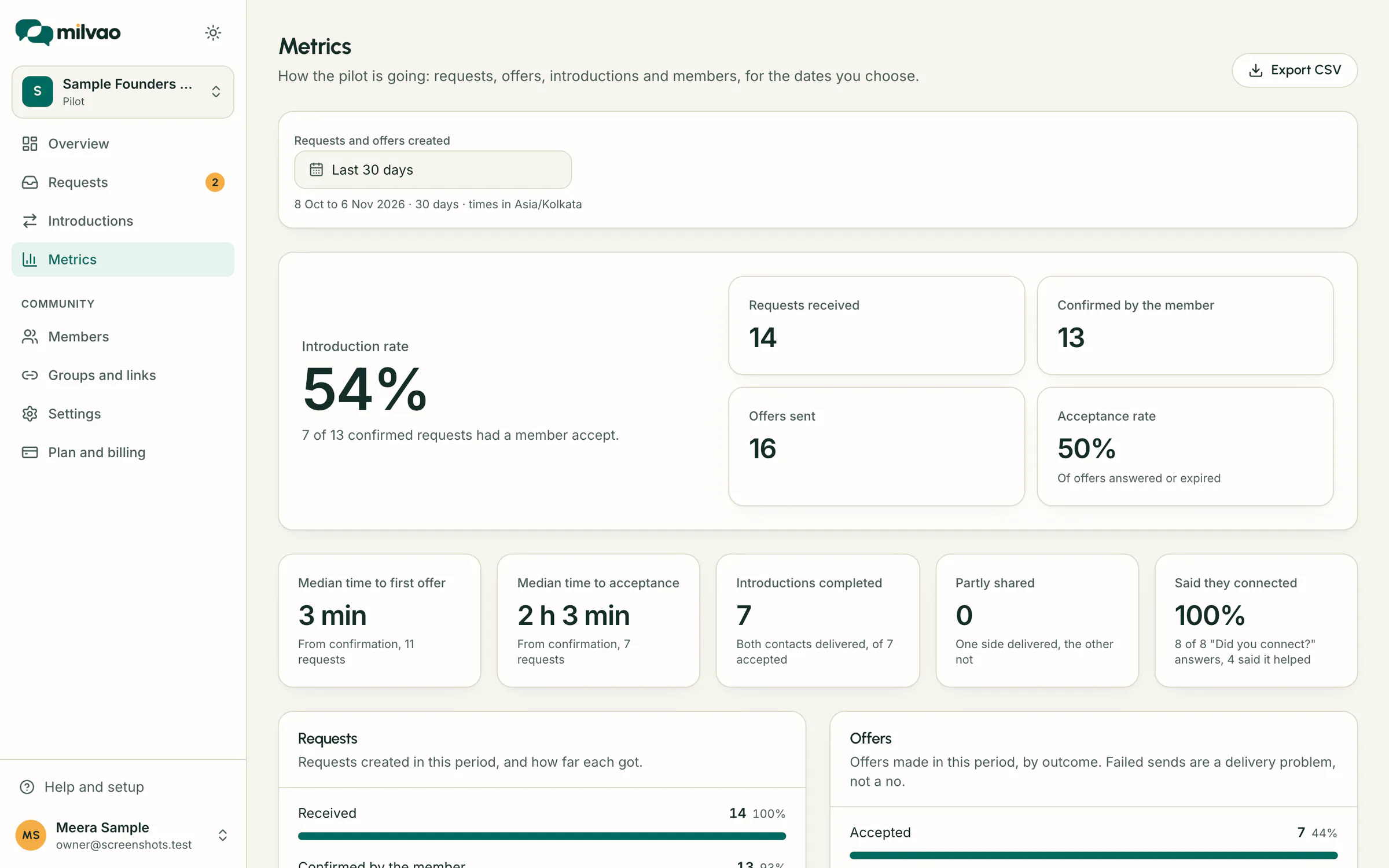
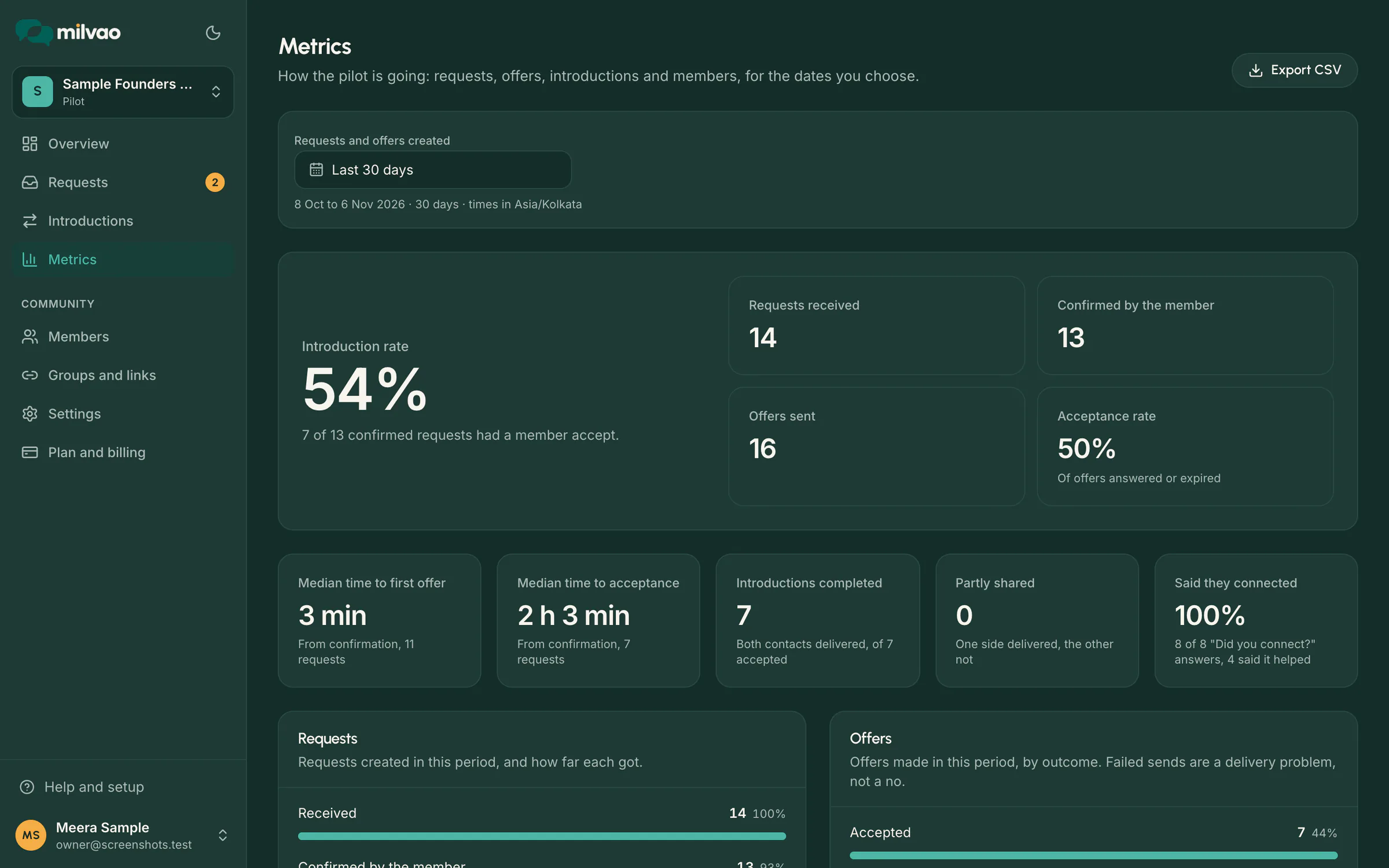
Reading the four breakdowns
- Requests: how far the period's requests got, from received to confirmed, accepted, nobody fitted at some point, and closed.
- Offers: each outcome, from accepted and declined to no reply, still waiting, couldn't be sent and cancelled.
- Handed to your team: why requests needed a person, such as No member fits or Pick a member to ask, once per request and reason.
- Members: who joined and who messaged in the period, active profiles, members who can get offers now, and joins by group.
Each bar has its exact share on hover or keyboard focus, and every number is printed beside its label.
Using the numbers at a day-30 pilot review
- 1Open Metrics and choose Last 30 days.
- 2Look at the introduction rate and acceptance rate together: a low acceptance rate with a fair introduction rate usually means the first person asked often says no.
- 3Check the two median times to see how long members wait.
- 4Read Handed to your team. Many No member fits reasons point to missing skills or cities, or too few members with requests turned on.
- 5Use Members to see whether joins came from every group or just one link.
Milvao's pilot ends with this review, held with the Milvao team. See pricing for what the pilot includes.
Counting rules worth knowing
- Requests are counted by the day they arrived, even when the next step happened later. Offers are counted by the day they were made.
- One request can have up to 3 offers, so offer and request counts won't match.
- A send that failed is a delivery problem, not a no, and is left out of the acceptance rate.
- Days follow your workspace time zone, shown under the date button.
- The owner can download the numbers as a CSV file with Export CSV on the Metrics page.
Sources
- Milvao Help Center: Pilot metrics (checked 5 November 2026)
- Milvao Help Center: Pilot setup checklist (checked 5 November 2026)
Facts about WhatsApp and other services come from the pages listed, on the dates shown, and can change.