

Key takeaways
- One alert is on by default: A request needs your team, by email and WhatsApp.
- The daily summary arrives at 9:00 in your workspace time zone.
- Each person sets their own alerts. Nobody can change someone else's.
- Alerts never contain a member's phone number or the words of their message.
Which community manager alerts exist
| Alert | Sent when | On by default |
|---|---|---|
| A request needs your team | Milvao hands a request over: unreadable, unclear after one question, nobody fits, 3 members asked, or approval mode | Email and WhatsApp |
| Daily summary | Once a day at 9:00 | |
| A message couldn't be sent | An offer failed, or messages kept failing in the last hour | Off |
| Contact details weren't delivered | After an accept, one side didn't get the other's number | Off |
| Problem with your WhatsApp number | Meta flagged quality, lowered a limit, paused a template or the connection stopped | Email for owners, off for operators |
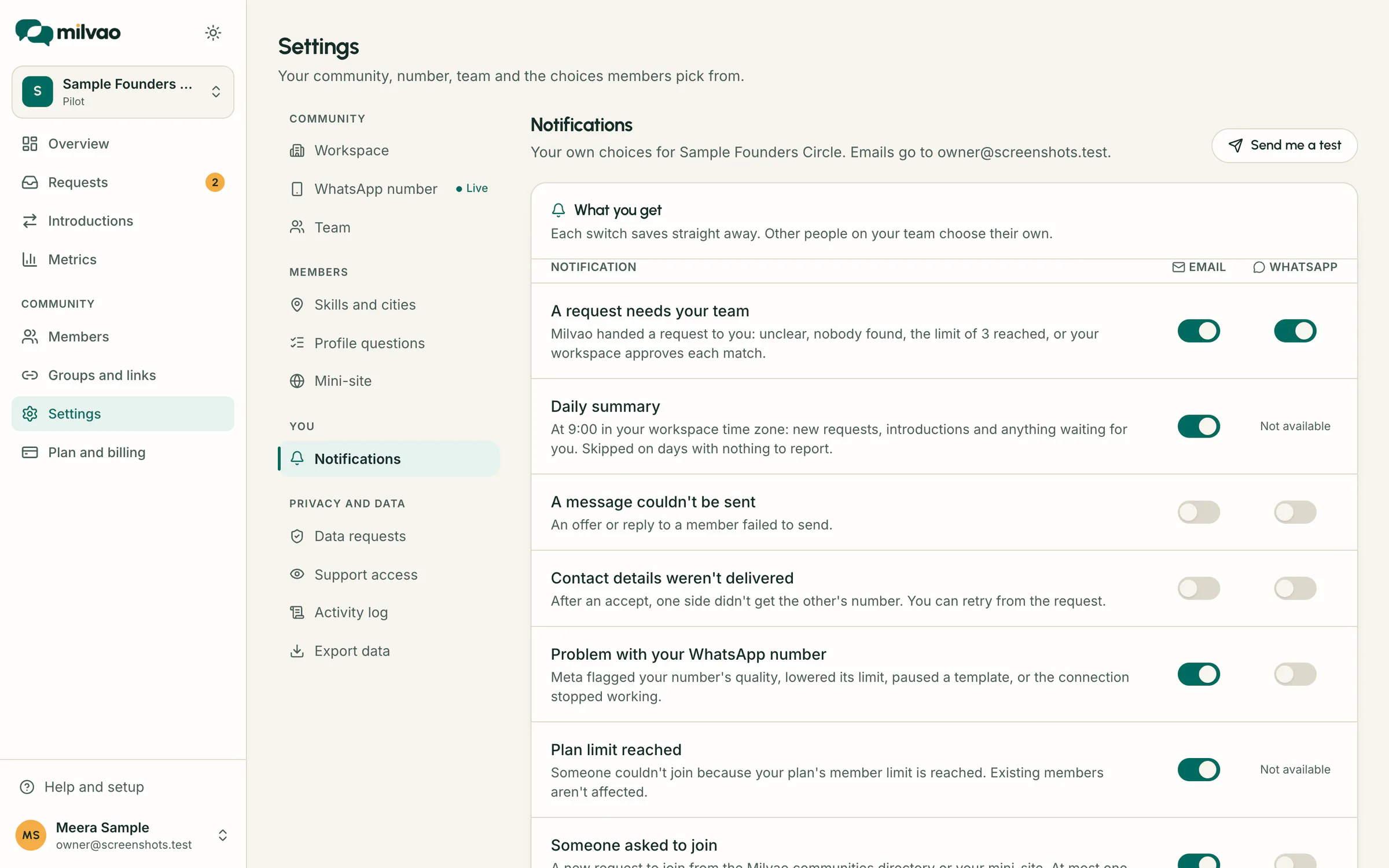
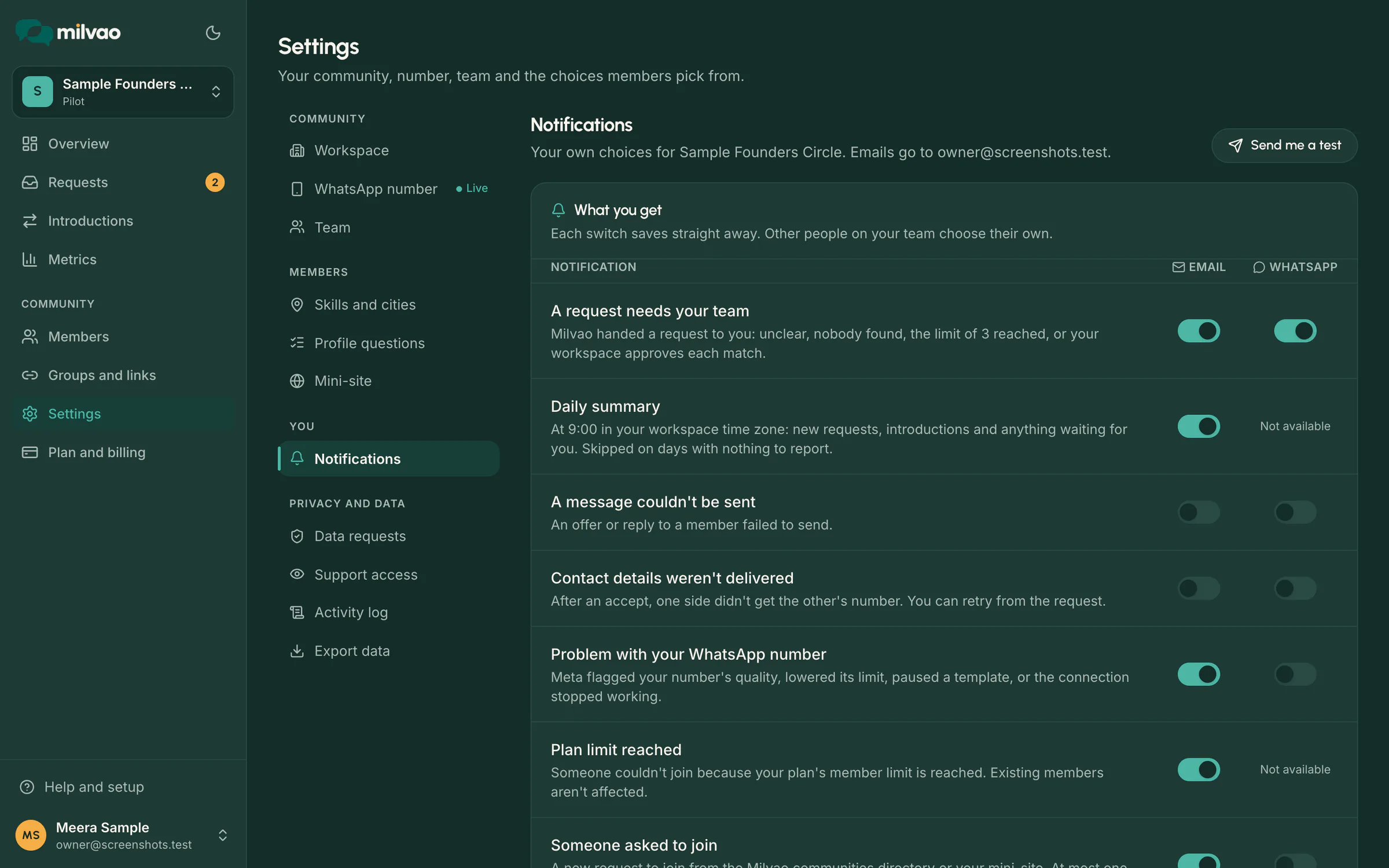
The two alerts that are off by default already hand the request to your team and appear in the summary, so most people leave them off.
Getting alerts on WhatsApp
- 1Open Settings, Notifications, and enter your own number with the country code.
- 2Click Send code. A 6-digit code arrives on WhatsApp from your community's number.
- 3Enter it and click Verify. The WhatsApp switches then work on each row.
A code lasts 10 minutes and stops working after 5 wrong tries, and you can request 3 codes every 10 minutes. Your number is stored encrypted. WhatsApp alerts need two approved templates on your community's number, Team alert and Verification code; until then alerts come by email and the page says so.
What the daily summary covers
- New requests in the last 24 hours.
- Offers sent, and how many were accepted, declined or got no reply.
- Introductions made and new members.
- Delivery problems, if there were any.
- How many requests are waiting for your team right now, with a link straight to them.
The owner sets the time zone in Settings, Workspace. Days with nothing new and nothing waiting send nothing.
What alerts leave out
- No phone numbers and no member's own words. Alerts carry the short summary members see, counts and links.
- No repeats: each event is sent once per channel, even if Milvao checks it twice.
- No stale noise: a request your team dealt with before the alert went out doesn't raise one, and an alert that couldn't go out within a day is skipped.
Checking that alerts reach you
Send me a test, at the top of Settings, Notifications, sends a test email, plus a WhatsApp message if your number is verified. Recently sent to you lists your last notifications as Sent, Sending, Skipped or Failed, with the reason when one didn't arrive. How the email side is delivered is described on email notifications.
Sources
- Milvao Help Center: Notifications by email and WhatsApp (checked 5 November 2026)
Facts about WhatsApp and other services come from the pages listed, on the dates shown, and can change.