

Key takeaways
- Matching is automatic unless the owner switches the community to Approve each match.
- Only members who opted in, offer the service, cover the city and had fewer than 2 requests in 7 days can be asked.
- Seven weighted parts make up the ranking: service fit, city fit, accepts requests, replies quickly, introductions completed, Did you connect? answers and fairness.
- Every suggestion and offer shows its reasons on the request page.
- Unclear requests, no match, or three members without a yes go to your team.
How automatic member matching works
Matching starts only after the member who asked has confirmed the brief Milvao wrote from their message, and has chosen whether their number may be shared for this request. From there, Milvao works through the steps below without anyone on your team having to act.
- 1Milvao lists every member who can be asked about this request (the rules are in the next section).
- 2It scores each of them with the same weighted parts, every time, so the order is fixed and explainable.
- 3It sends the brief to the top member, with Accept and Decline buttons. The brief never includes who asked or their exact words.
- 4The member has 48 hours to answer. A decline or no reply moves Milvao to the next member on the list.
- 5When a member accepts, Milvao checks both consents again and sends each person the other's contact privately.
- 6If three members have been asked without a yes, or nobody fits, the request goes to your team with the reason.
Who can be asked
Milvao never asks a member who hasn't agreed to receive requests. A member is only considered when all of these are true:
- Their profile is complete and they turned on introduction requests.
- They haven't paused requests or sent STOP.
- They offer the service the request needs.
- They are based in, or serve, the city the request needs, when it needs one.
- They aren't the person asking, and haven't already been asked about this request.
- They've had fewer than 2 requests in the last 7 days.
How Milvao ranks members
Everyone who can be asked gets a score from the same parts. New members aren't penalised for having no history: until they've answered a few requests or been rated, their track record counts as your community's typical member. One decline or one didn't connect doesn't sink anyone.
| Part | Weight | What counts |
|---|---|---|
| Service fit | 25% | Offers the service. Members who list fewer services rank a little higher |
| City fit | 25% | Based in the city ranks above serving it |
| Accepts requests | 12% | Share of past requests they accepted |
| Replies quickly | 8% | Their typical time to answer |
| Introductions completed | 8% | Accepted requests where both contacts went through |
| Did you connect? | 7% | What people introduced to them answered afterwards: it helped, connected, or didn't connect |
| Fairness | 15% | Members asked less in the last 7 days come first |
| Profile answers | Small bonus | An answer to a question marked for matching whose option appears in the brief, such as Industry: Services |
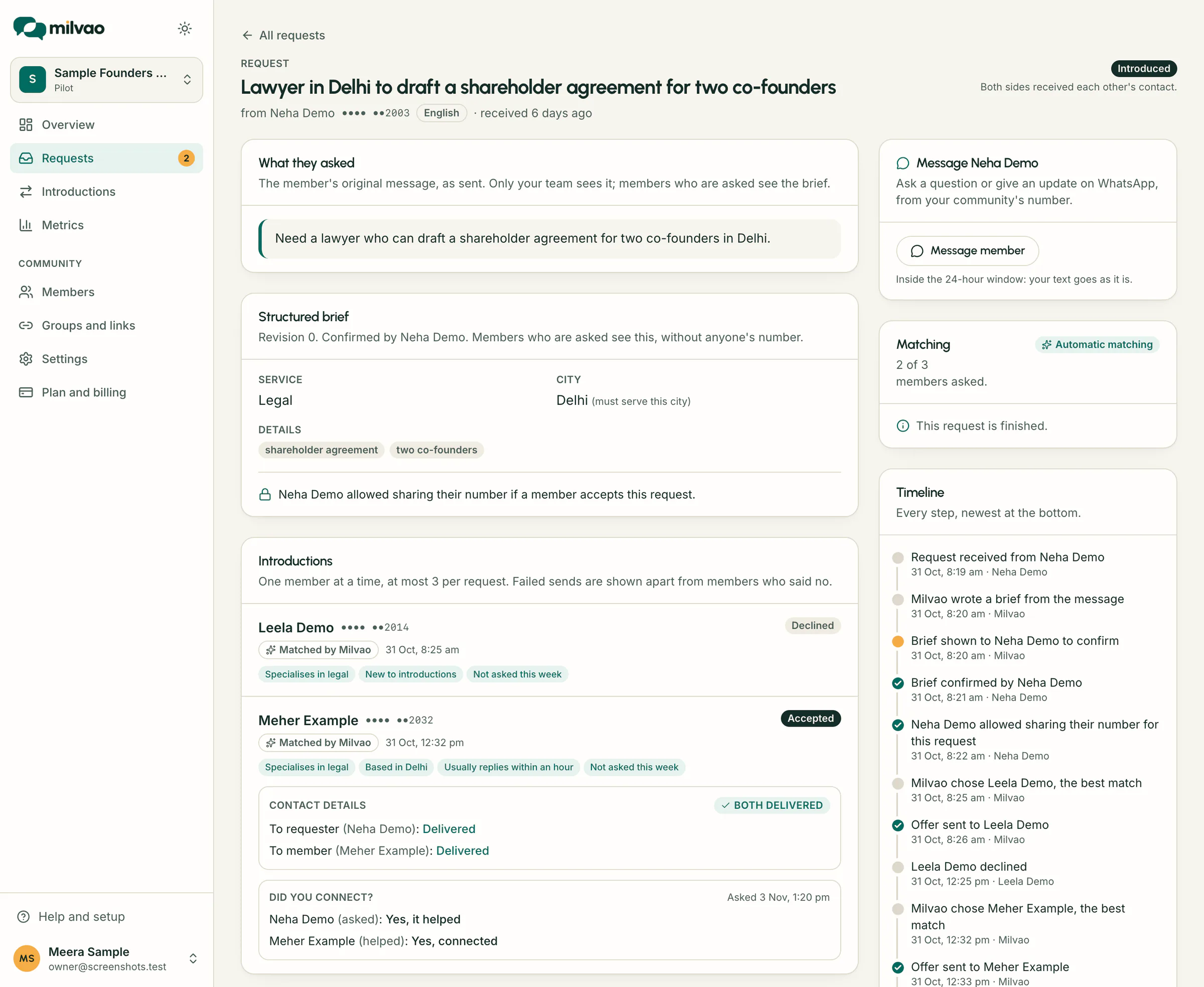
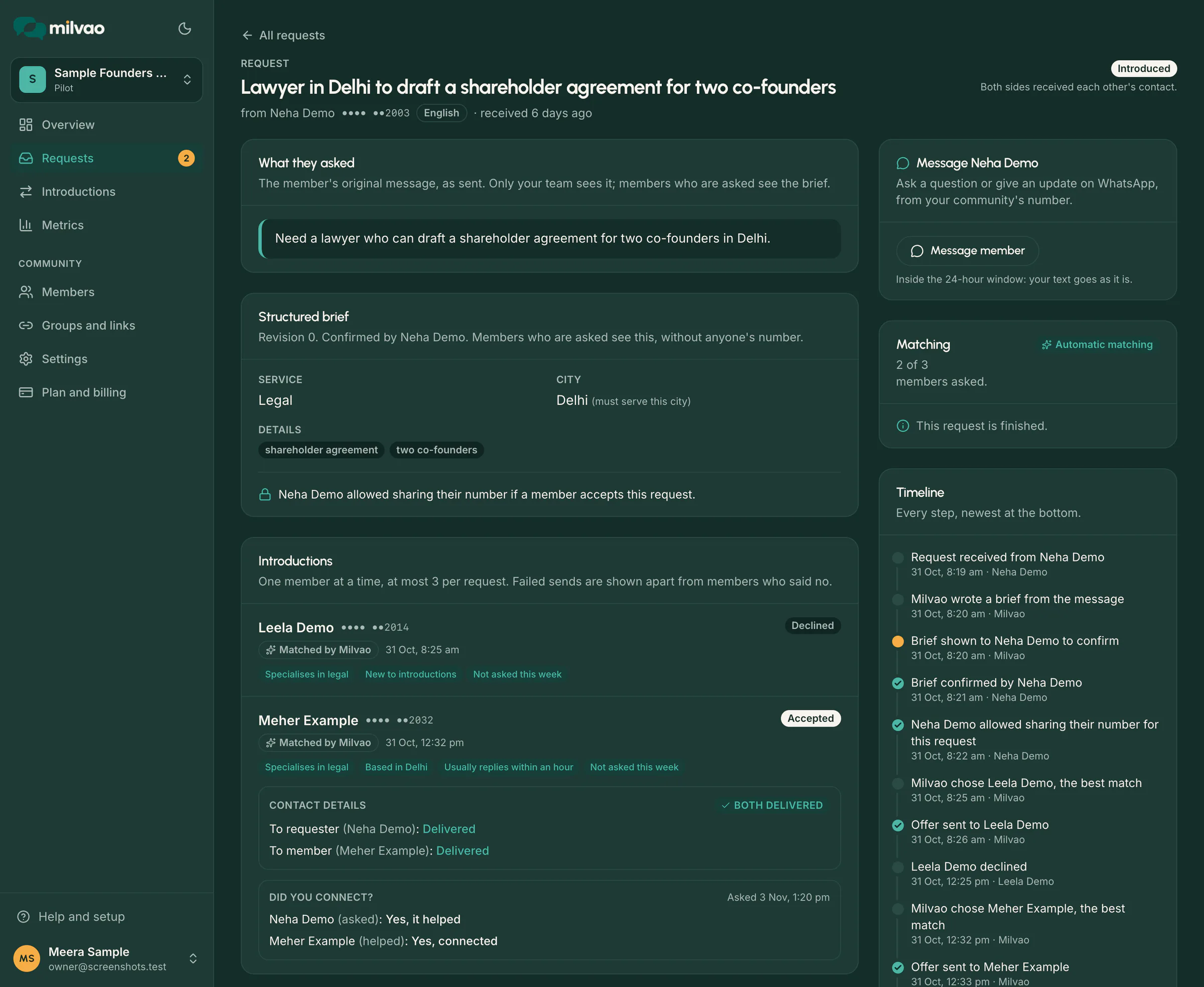
The profile-answer bonus only breaks close calls and never outweighs a better service or city fit. Profile answers are never sent to the AI model. The request page shows the reasons behind each suggestion and offer, for example Based in Mohali, Accepted 4 of 5 offers, Industry: Services or Not asked this week.
When a request comes to your team
Automatic doesn't mean unattended. Milvao hands a request to your operators, under Requests, Needs you, when the brief is still unclear after one question, when no member fits, when three members were asked and none accepted, or when a contact message couldn't be delivered. The person who asked gets a short update that an organiser is taking it from there.
Operators can step in at any time: turn off automatic matching for one request, choose a member themselves from the suggestions, or close the request with a reason. The Help Center article on reviewing requests shows each action, and email or WhatsApp notifications tell your team when something is waiting.
Automatic member matching or approve each match
The owner chooses the mode in Settings and can change it at any time. Privacy rules and limits are the same in both.
| Automatic (default) | Approve each match | |
|---|---|---|
| Who picks the member | Milvao, from the ranking | An operator, from up to five suggestions |
| Your time per request | None, unless it needs you | A minute to review and pick |
| After a decline or no reply | Milvao asks the next best match | Comes back to you |
| Suits | Busy communities that want fast answers | Small, high-trust networks where the team knows everyone |